Creating Snapshots
Kopia refers to paths that should be backed up as "Snapshots". By default, snapshots are recursive, so the directory you select and all of its contents will be backed up. You can have as many, or as few, snapshots as you would like per computer.
Snapshots can even be external media or network locations, however in the event that the media is disconnected, Kopia will report that snapshot has having errored.
Creating a new Snapshot
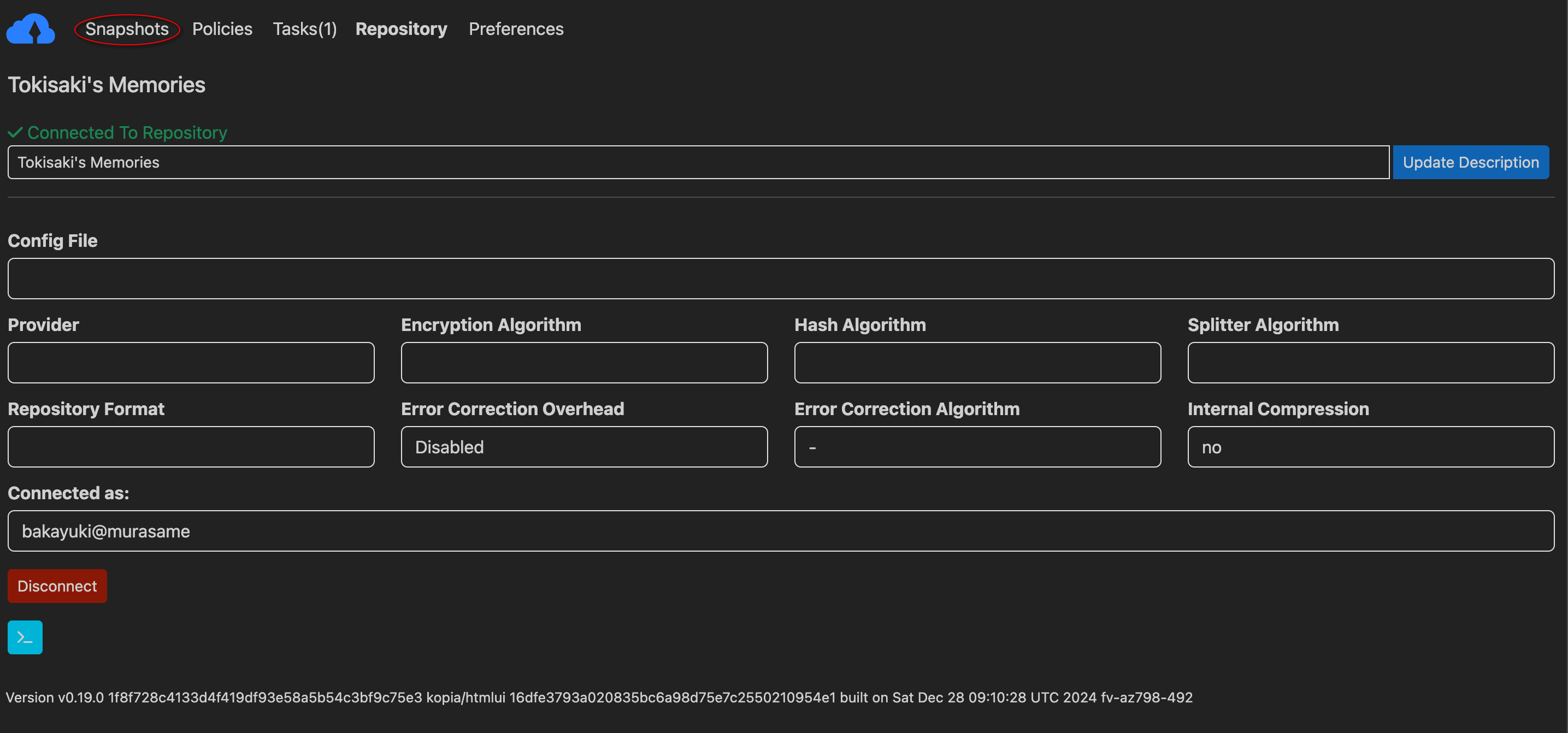
To get started, make sure you are in the "Snapshots" area of the UI by clicking the "Snapshots" button at the top of the GUI.
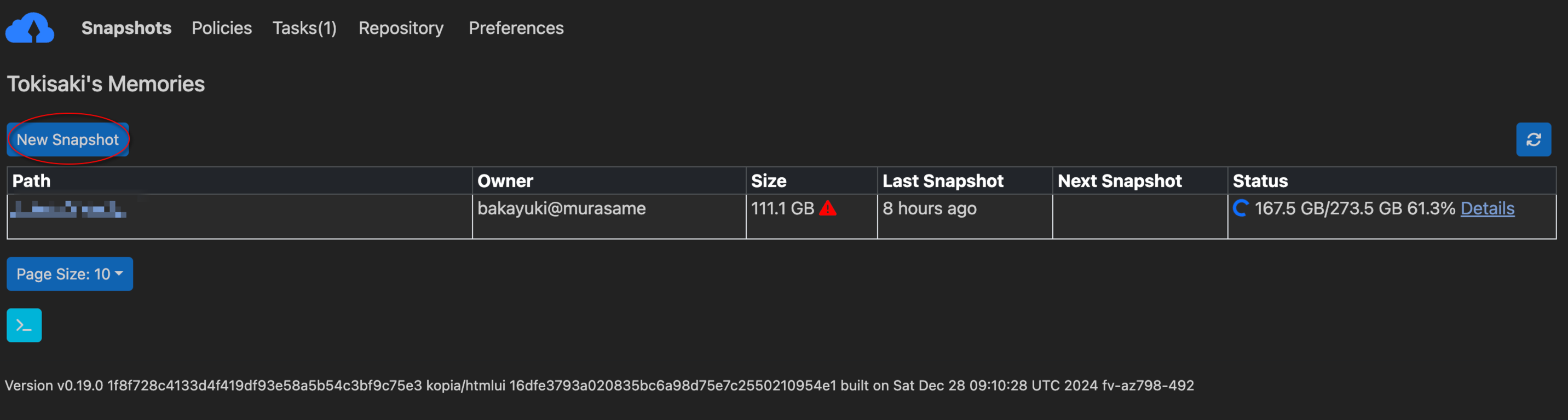
Once in this window, click the new snapshot button to begin.
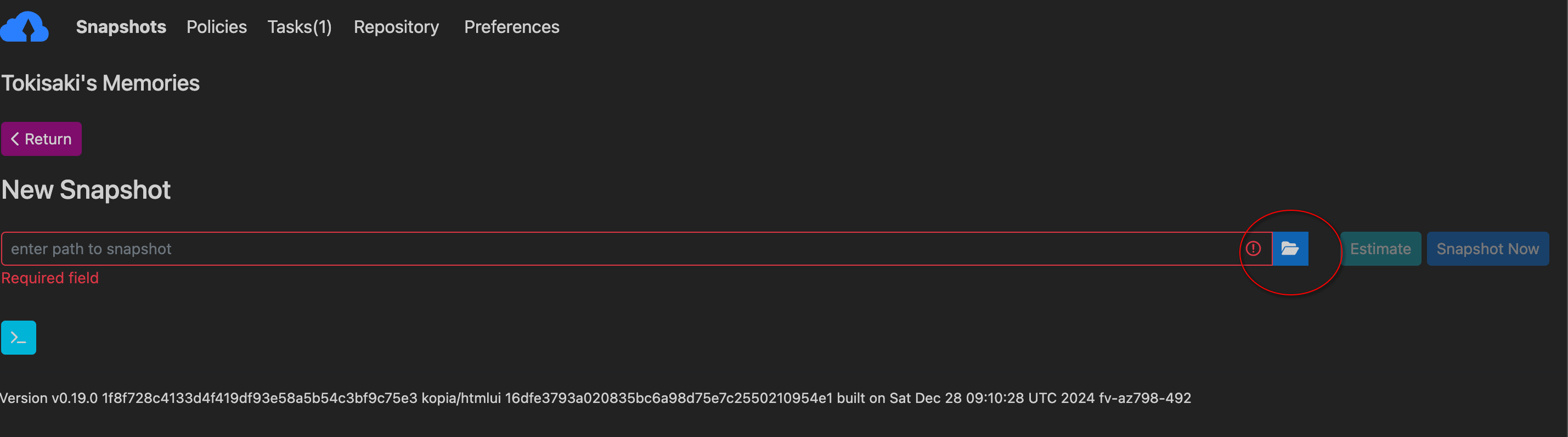
You can then click the folder icon to open up your operating system's native file browser to point to the location you want to backup.
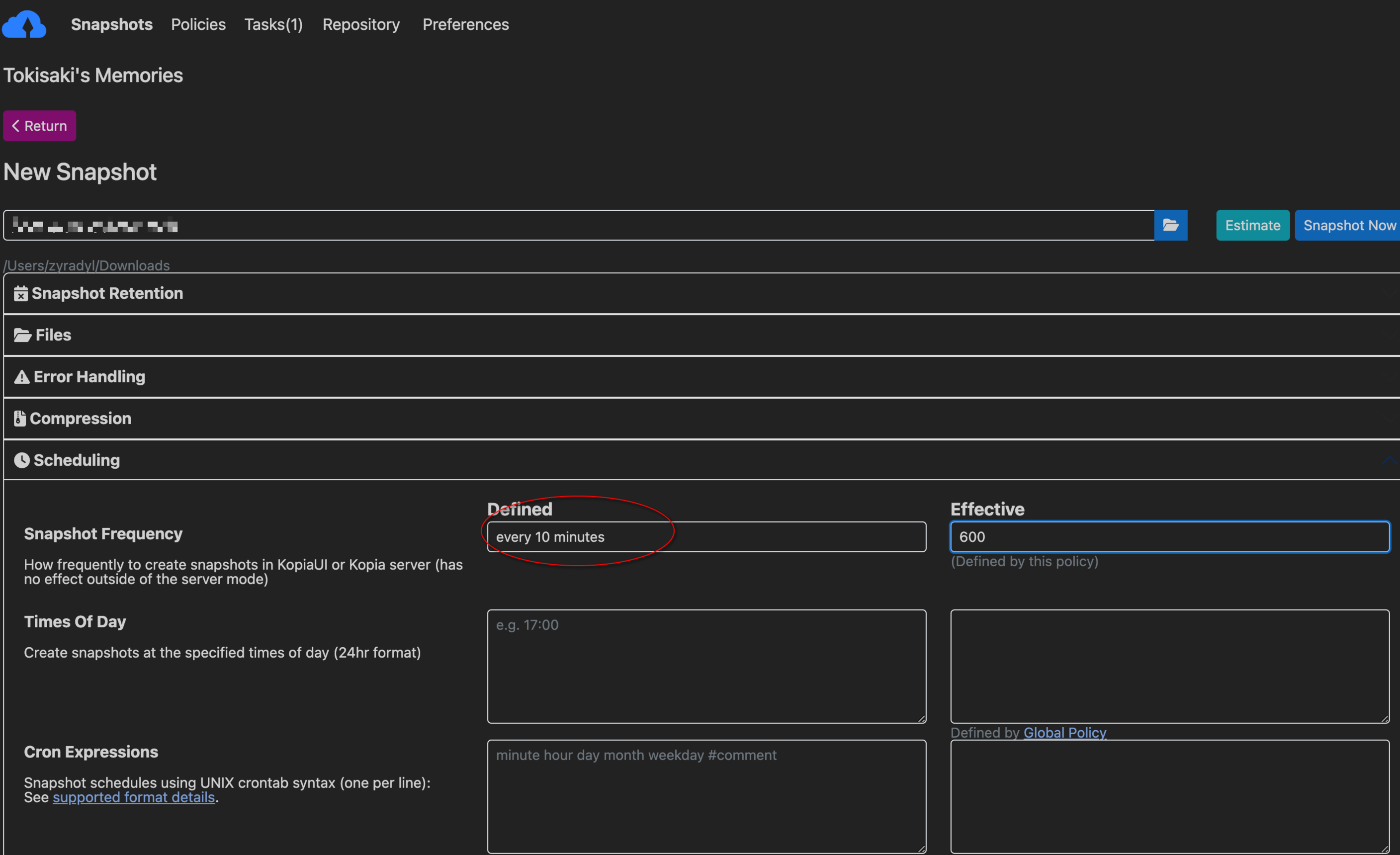
Once you select a path, the policy editor will load in. The global policy is likely a good place to start for general purpose backups. In the future there will be a more detailed guide on modifying policies, but for now please look through the GUI options and read the descriptions for more information.
In the below example, we override the Snapshot Frequency on the Global Policy to ensure this path gets backed up every 10 minutes.
Finally, click "Snapshot Now" to begin your backup.
Important information
Kopia will automatically create checkpoints as it performs snapshots. Additionally, Tokisaki is configured to NEVER discard incomplete snapshots until after one complete snapshot is performed. This means that even if your internet disconnects, or you decide to halt your initial upload for a while, you will be able to resume from where you left off without having to reupload the same data.
However, because Kopia will automatically start from the beginning each time, and only skip over unmodified files, it may appear as if a subsequent snapshot is starting over. Please rest assured that redundant data will not be uploaded, and your snapshots will become faster over time as the server copy more accurately reflects your local storage.